Terms & Conditions
Terms & Conditions
The Terms & Conditions tab provides a comprehensive view of all the list of Terms & Conditions for customers associated with your organization.
- You can easily manage existing entries or create new Terms & Conditions by clicking the Add T&C option located on the right-hand side of the page.
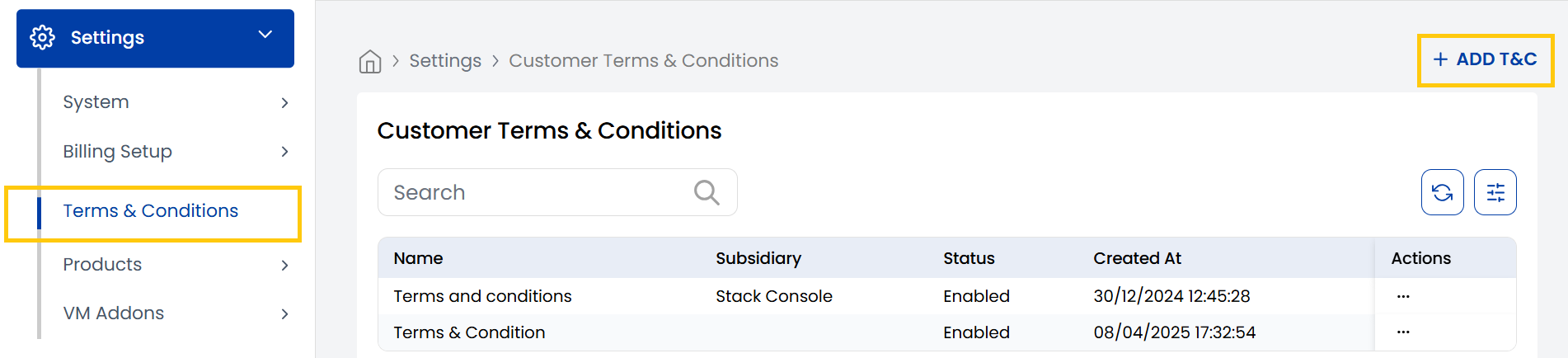
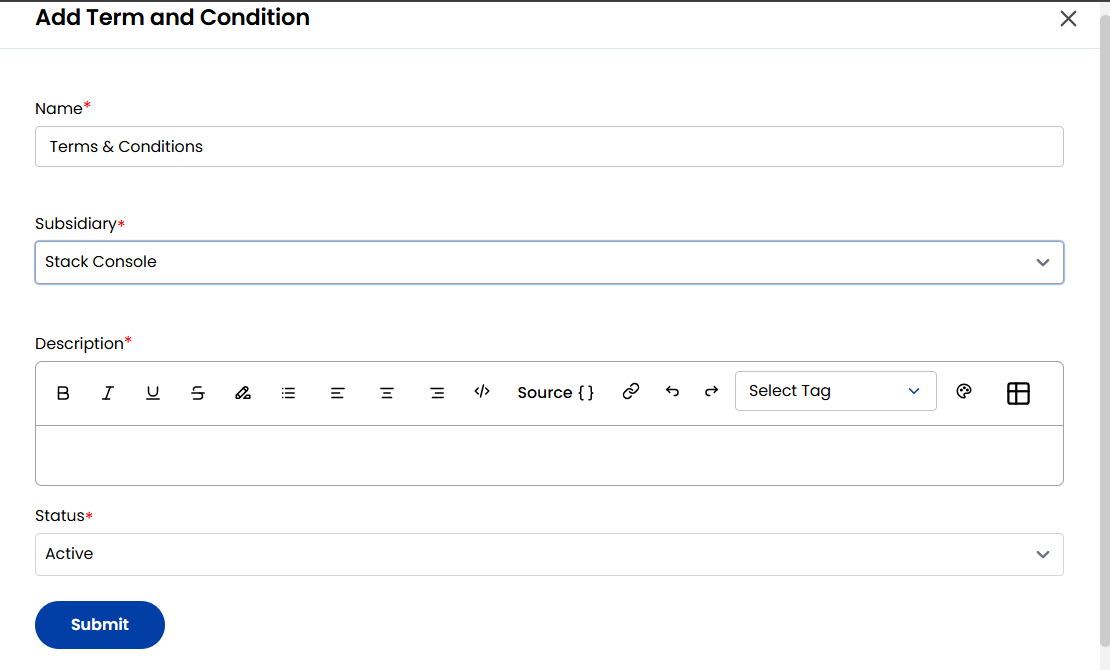
- When creating Terms & Conditions, enter the name and subsidiary business associated with it.
- Enter description with detailed information and set status to Active or Inactive as needed. Click on Submit.
This tab helps ensure that all customer agreements are properly documented and maintained for accurate referencing and compliance.
Conclusion
Using the Terms & Conditions tab in Stack Console allows your organization to manage contractual documentation with clarity and consistency. Keeping this information updated ensures transparency and compliance with your business operations.